01
Your life has more than one calendar.
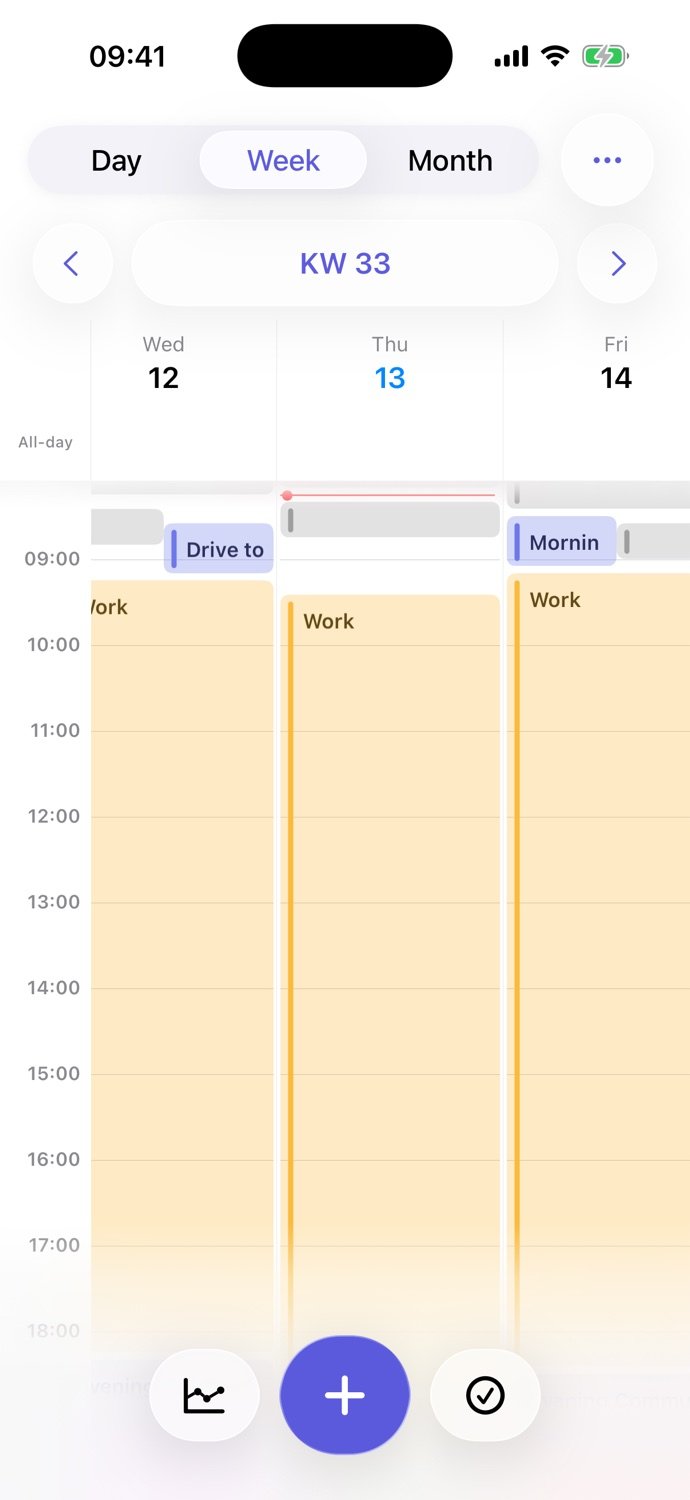
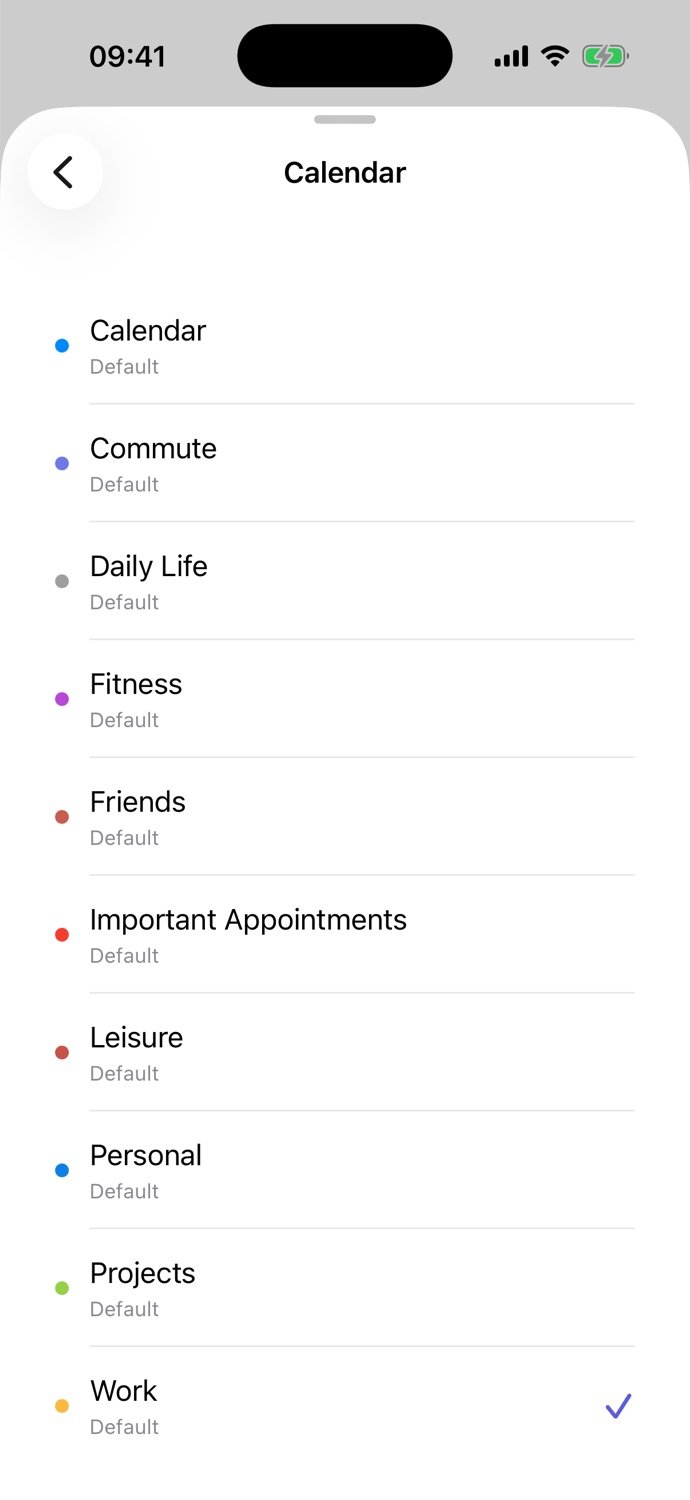
Give work, family, friends, exercise and recovery their own place. Connect the calendars on your iPhone or create your own life areas. Your calendar colors keep everything recognizable.
YOUR CALENDAR. YOUR TIME.
Work, friends, exercise and your own ideas. Calenytic brings your calendar, time tracking and analytics together – so a busy week can become your week.
For iPhone · iOS 26 or later · In-app purchases
THE IDEA BEHIND CALENYTIC
Start with your everyday life. Make a realistic plan, then learn from how your week actually unfolds.
Give work, family, friends, exercise and recovery their own place. Connect the calendars on your iPhone or create your own life areas. Your calendar colors keep everything recognizable.
Sleep, work and regular routines shape your week. The time in between is where your goals fit. Reserve a real block for your project, exercise or an evening with friends.
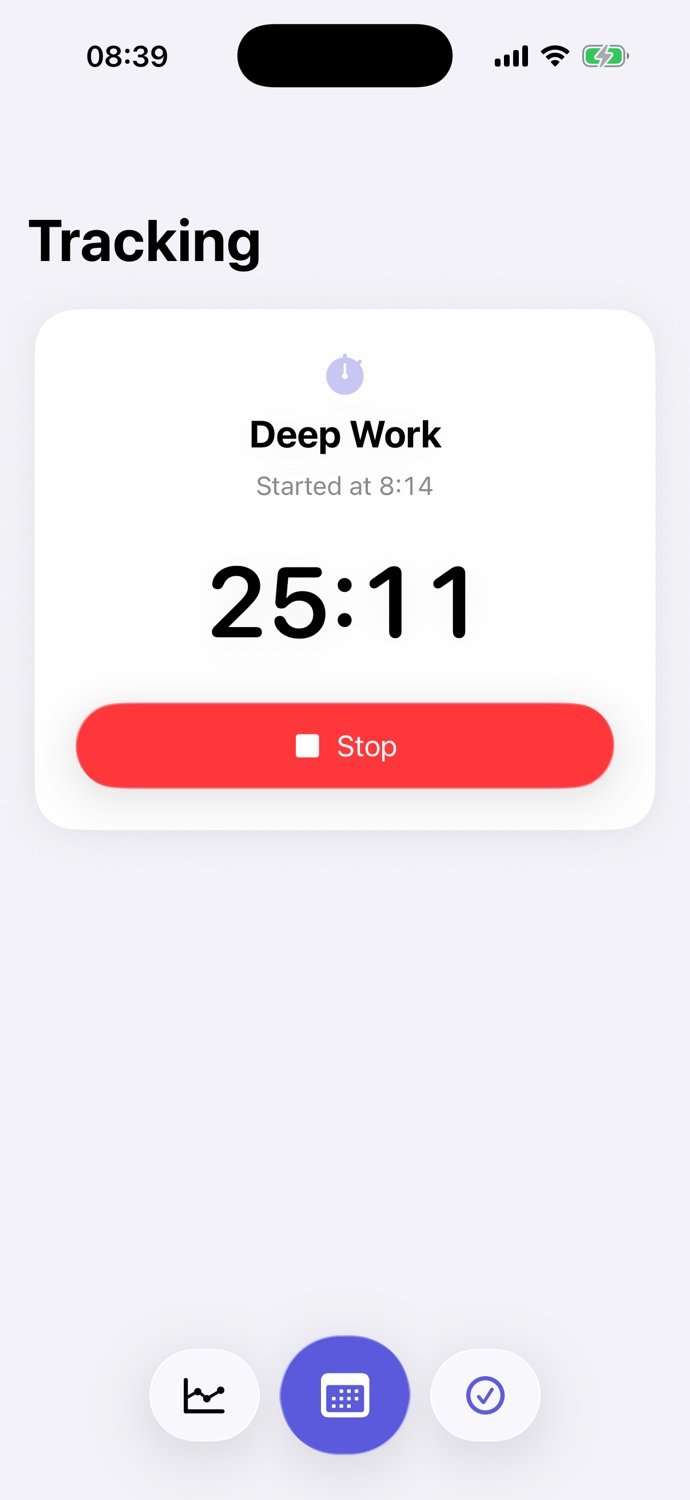
Start and stop activities right in Calenytic. Adjust events when your day changes. Your calendar can reflect the time you actually needed.
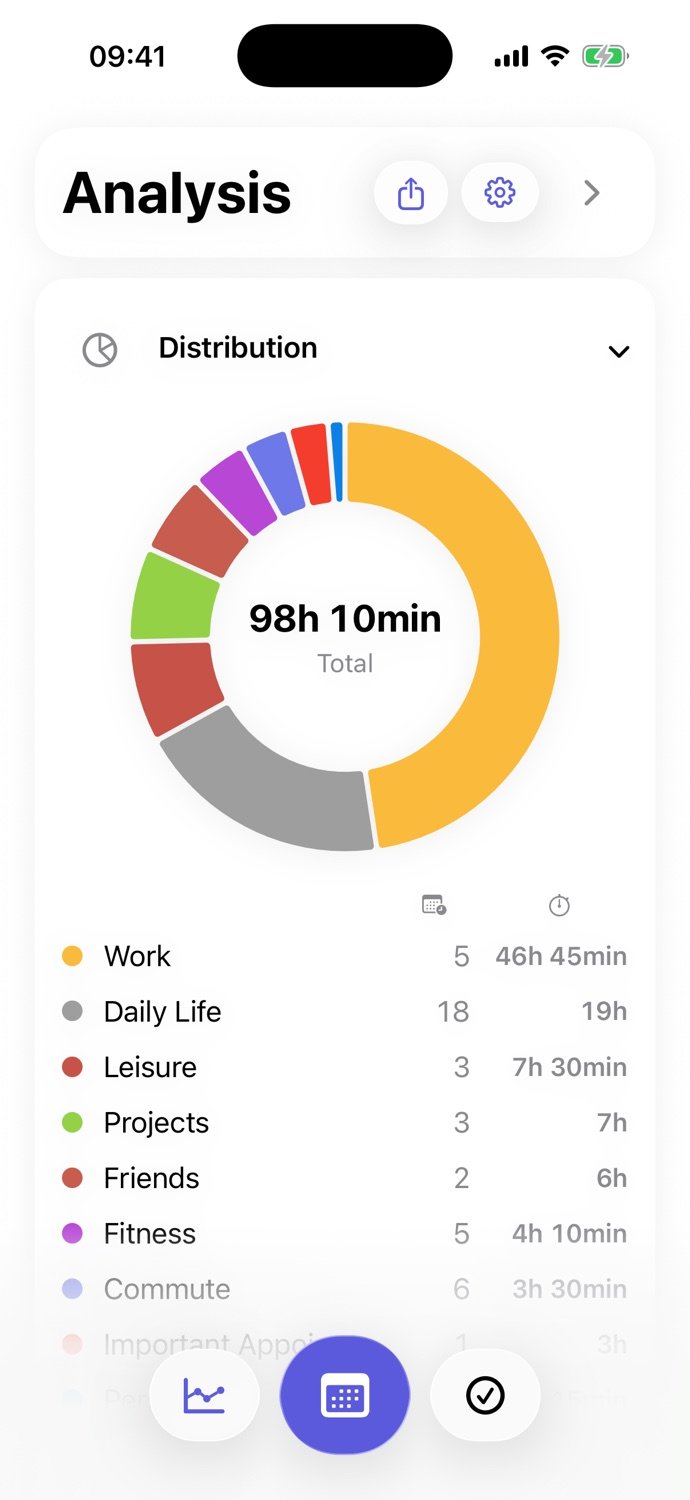
Time distributions, trends and heatmaps reveal patterns in your calendar. What got left out? What would you like to change? Your next week does not need to be perfect – just a little more yours.
PLAN, TRACK, UNDERSTAND
From today’s appointment to the bigger picture: switch between day, week, month and analysis. Everyday routines and long-term plans each get the right perspective.
Explore every feature ↗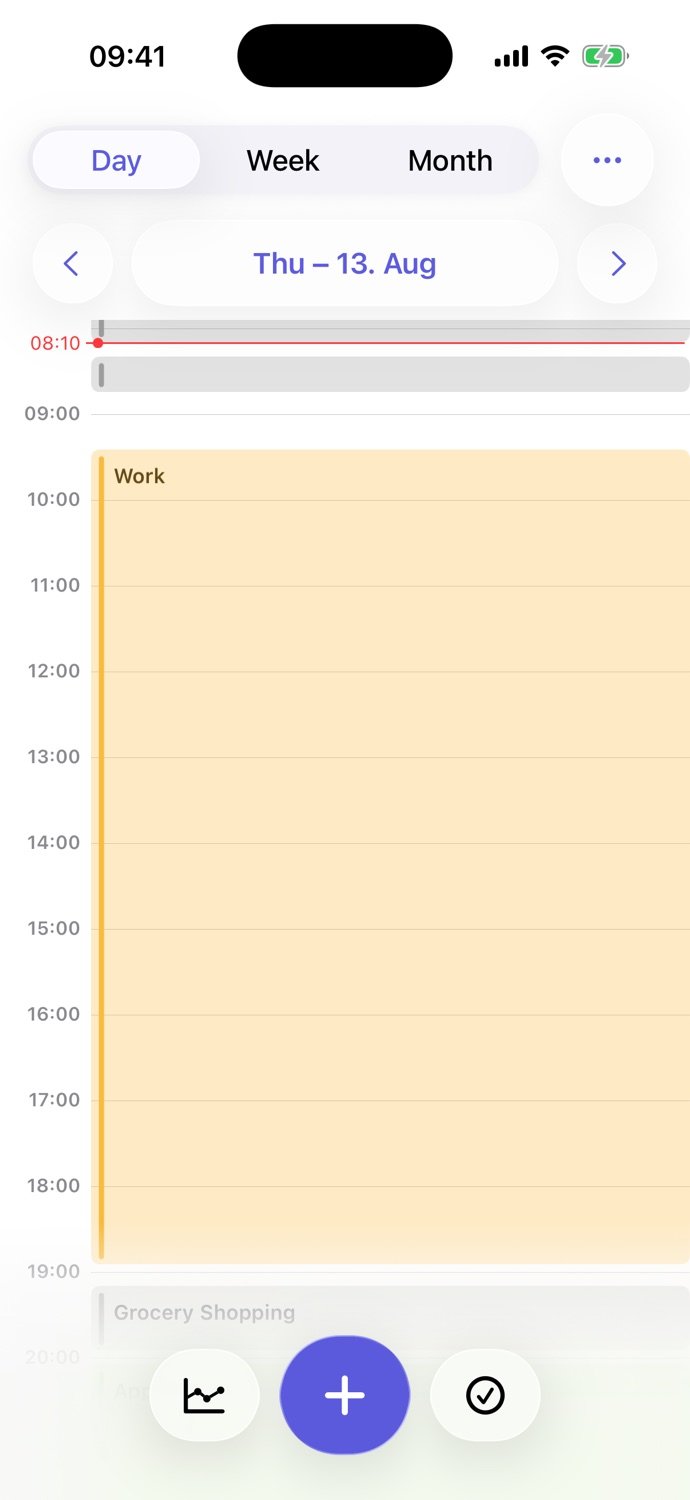
CALENYTIC IN EVERYDAY USE
The product video shows calendars, time tracking and analytics on iPhone, from planning individual events to reviewing your week.
ROOM FOR YOUR LIFE
Plan classes and study blocks. Track the time a subject actually takes.
Bring meetings, focused work and your own ideas together in one week.
Plan the things that rarely send you an invitation. Look back and see whether you made room for them.
Calenytic works with the calendars on your device. Calendar analysis runs locally. Optional Live Activities and call reminders, purchases and usage analytics involve external services. We explain what is shared.
Read the app privacy policy ↗Compare
Different strengths, no blanket winners. Compare features and limitations against what you need.
FAQ
Calenytic is an iPhone calendar app with built-in time tracking and time analytics. You can plan events, start and stop activities, and review how time is distributed across your selected calendars.
Calenytic combines calendar planning, a start-stop timer and analytics in one app. It can suit people who want to plan and understand their personal time directly in their calendar. There is no single best app for everyone.
No. Calenytic uses Apple’s calendar interface to access calendars configured and authorized on your device. These can include iCloud, Google and Exchange calendars. Availability and editing depend on the account and its permissions.
Reserve an event block for a specific task, such as 45 minutes of studying. Use time tracking to record the actual duration and adjust your calendar afterwards. Calenytic does not promise fully automatic AI scheduling.
You can adjust event start times, end times and durations to match your real day. Time tracking helps reflect planned and actual time in your calendar. This does not mean every event is automatically rescheduled.
Analytics calculates time distributions, trends and activity patterns from your selected calendar events. It does not monitor other apps or detect activities you have not recorded in your calendar.
Calendar analysis and many settings are processed locally. Optional remote reminders and Live Activities send selected data to Firebase and Apple. RevenueCat supports purchases; PostHog processes usage events. The app privacy policy explains these services and the limits of the diagnostics setting.
Calenytic is available on the App Store with in-app purchases. Current products, prices, billing periods and conditions are shown on the App Store and in the app before purchase.
This website presents the iPhone app. The current App Store version requires iOS 26 or later.
Give what matters to you a place in your week.
View on the App Store ↗