CALENYTIC
Calendar, time tracking and time analytics for iPhone
Calenytic connects planning your week with reviewing the time you actually recorded. These features help bring personal goals and fixed commitments together.
Connect calendars on your iPhone
Calenytic uses calendars configured and authorized in iOS, including iCloud, Google and Exchange calendars. Which calendars you can edit depends on the permissions of each account.
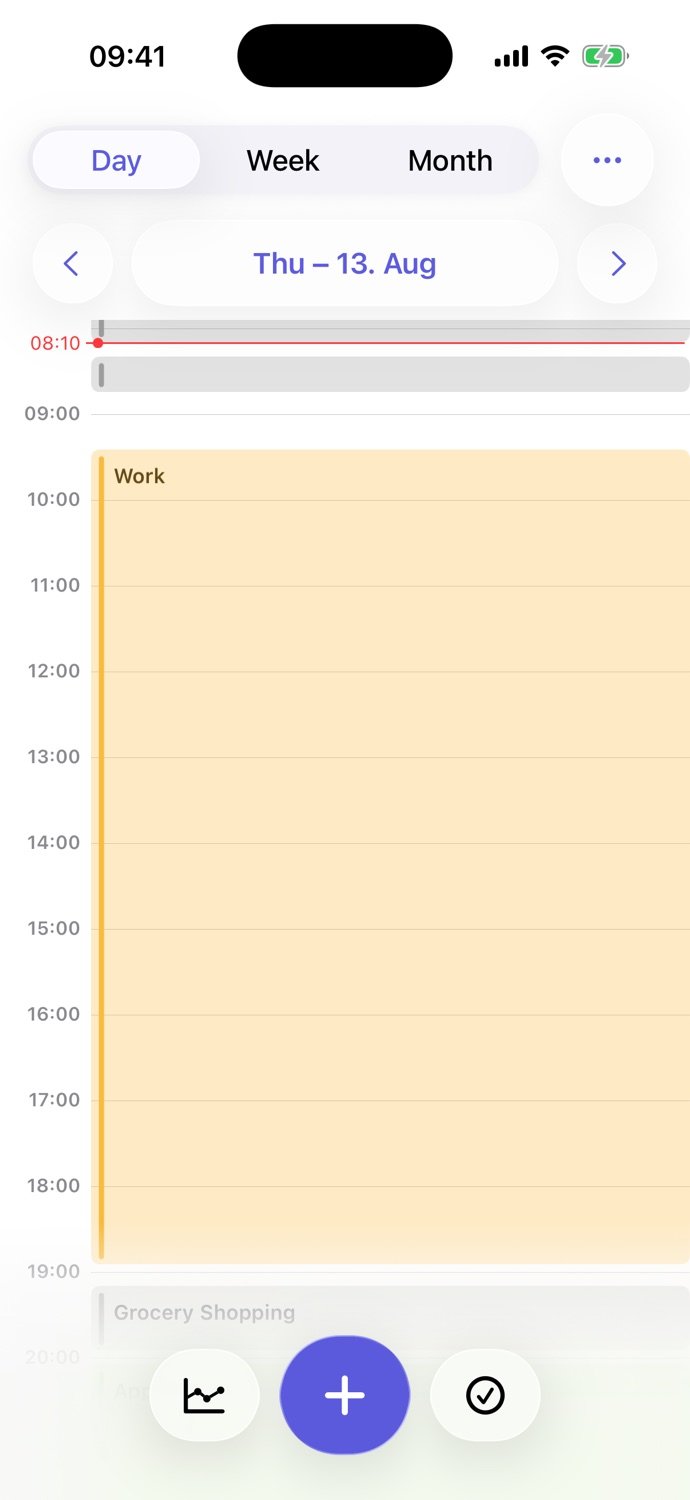
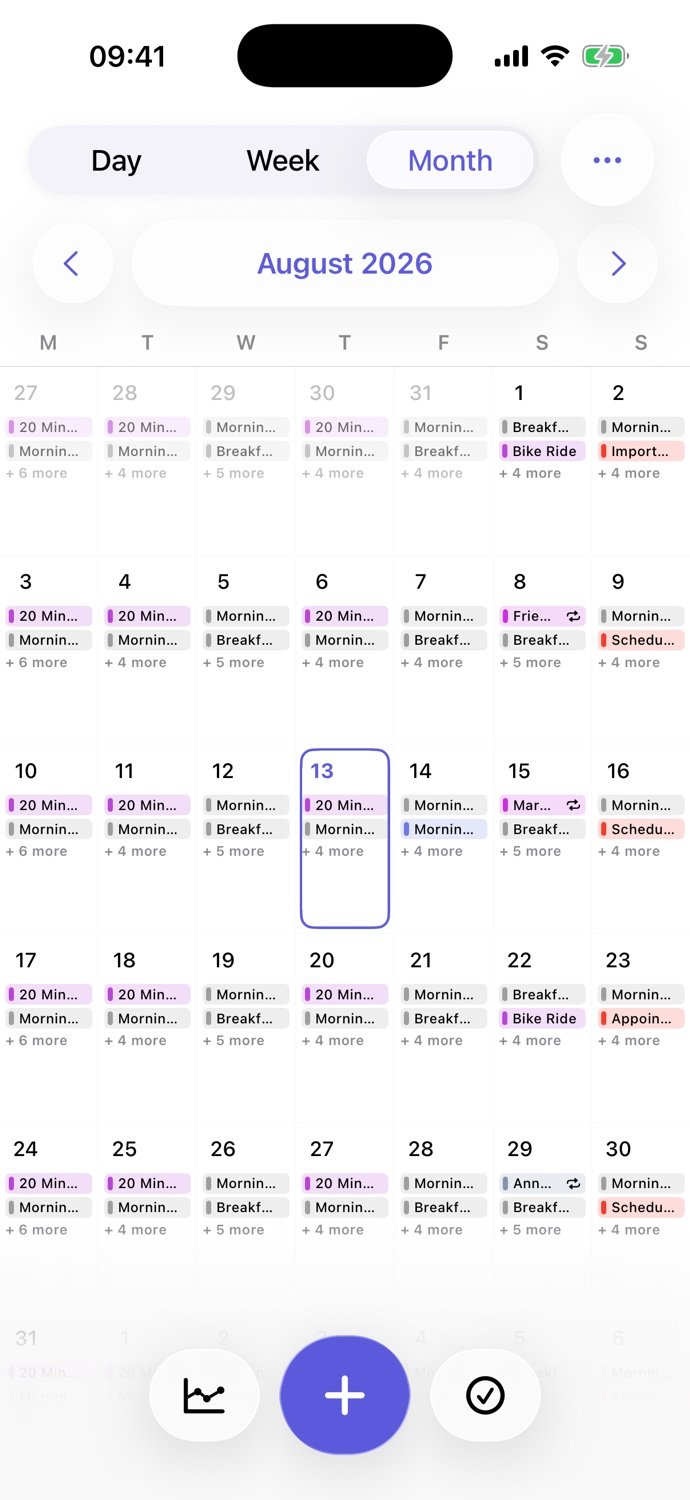
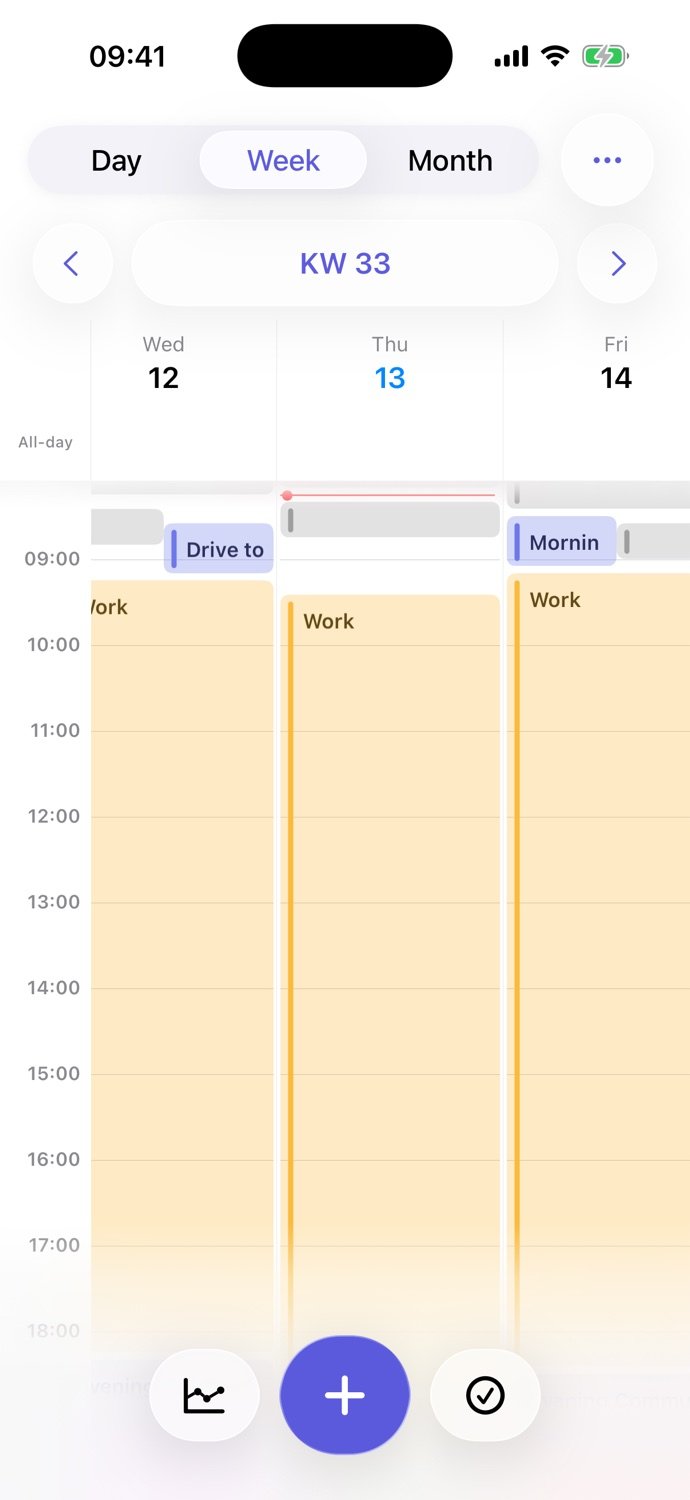
See your day, week and month
Choose separately which calendars appear in day, week and month views. Switch between detailed daily planning, a weekly overview and a monthly view.
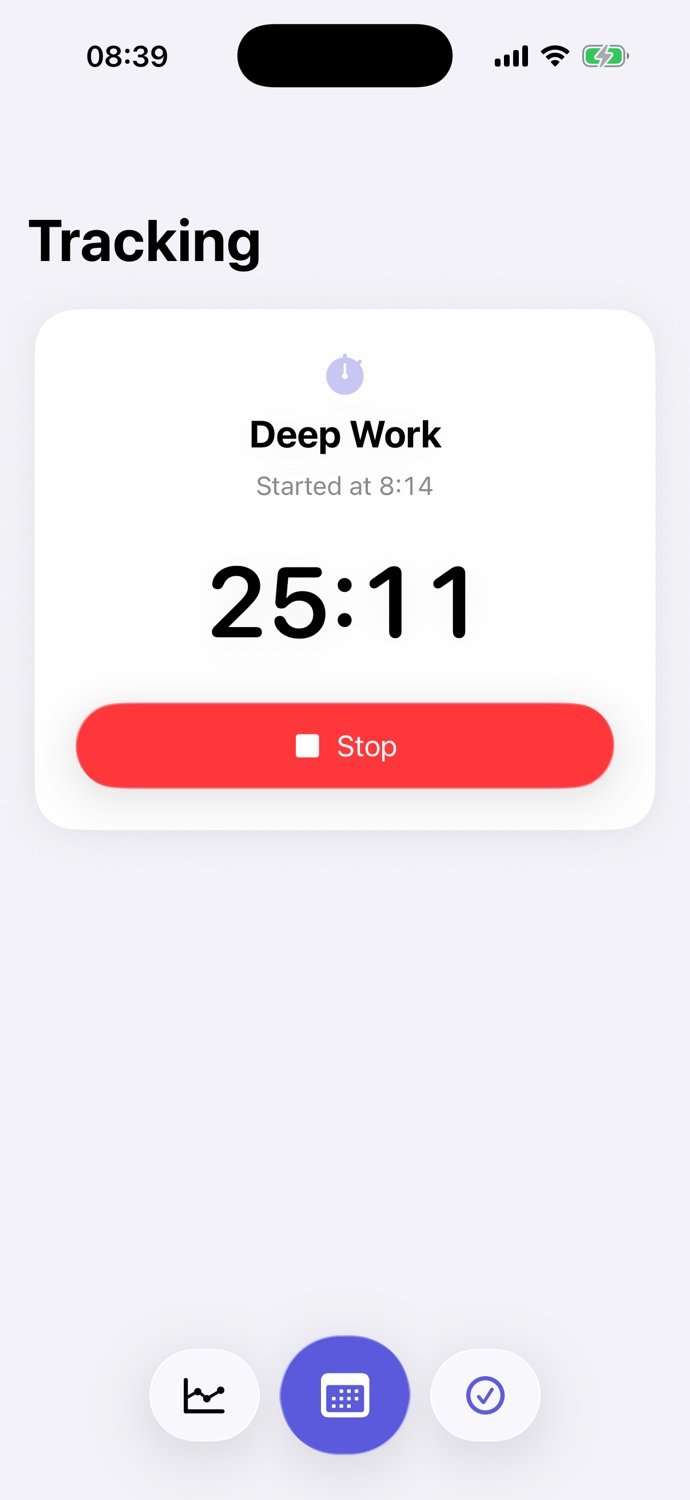
Track time right in your calendar
Start and stop an activity with the built-in timer. Recorded time is saved as an event in the selected calendar. Calenytic does not automatically monitor device usage.
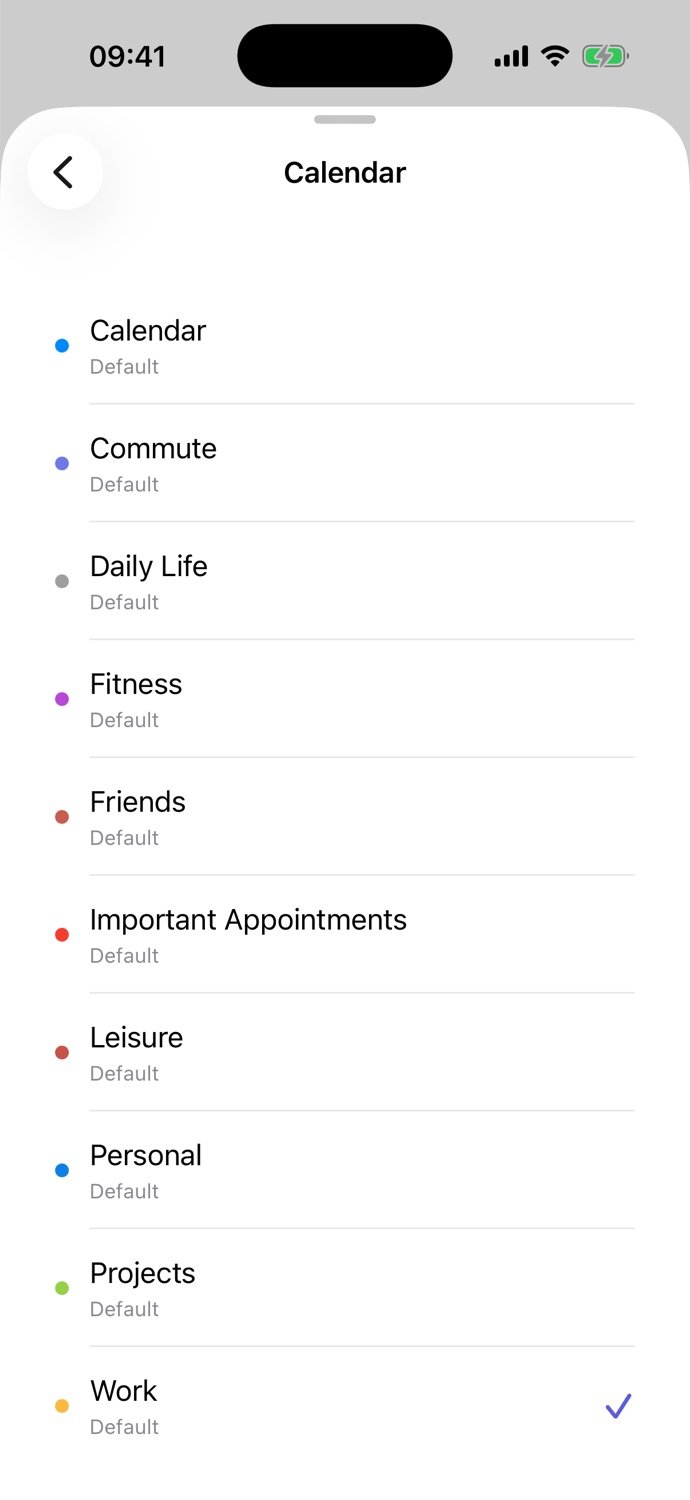
Plan time blocks and save drafts
Reserve a block for studying, a project or a break. Save a draft for something without a fixed time and add it to your calendar later.
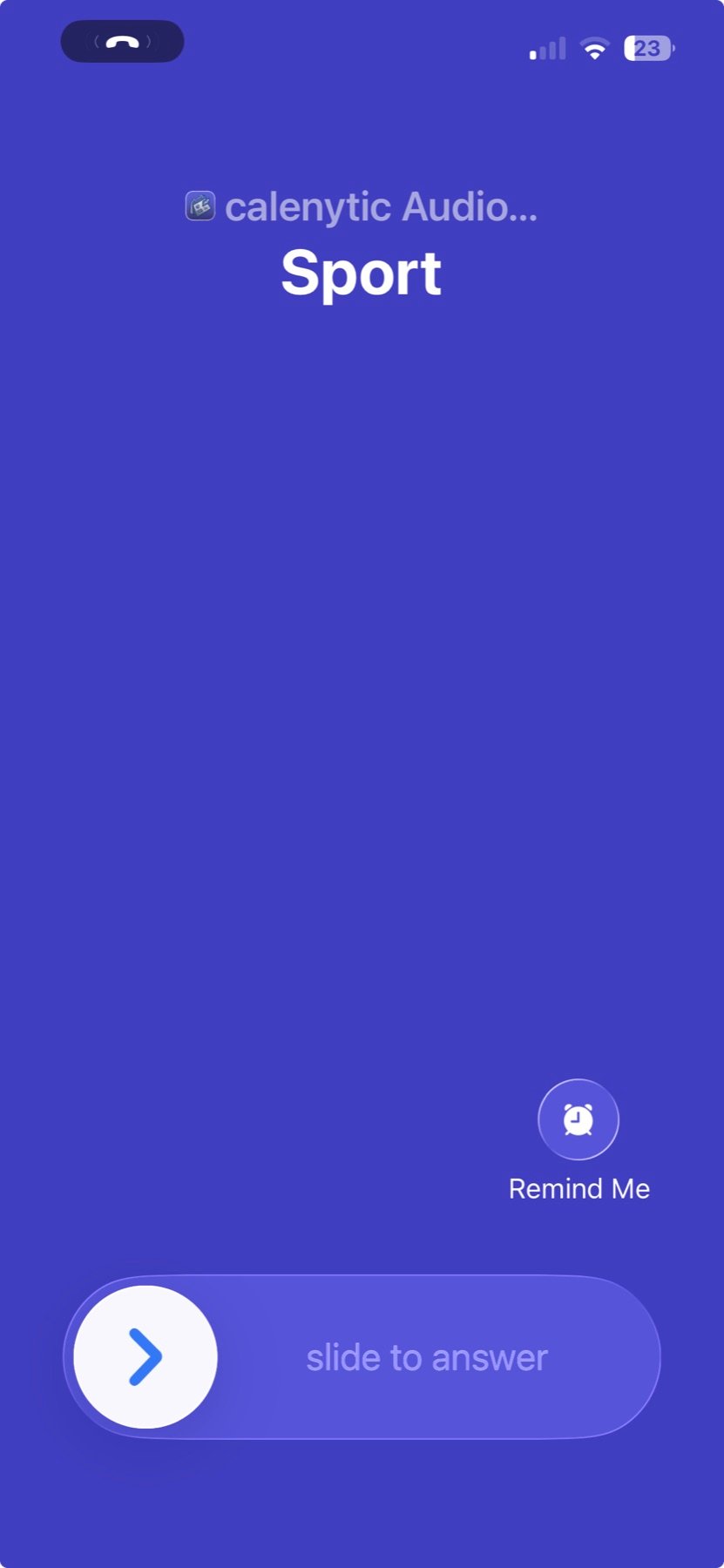
Alarm Calls for important events
Schedule a call for an event or 5, 10, 15, or 30 minutes before it. Calenytic can speak the event title and notes during the call. For recurring events, set the reminder for one occurrence or the whole series. Alarm Calls are included with Calenytic Pro and require an internet connection.
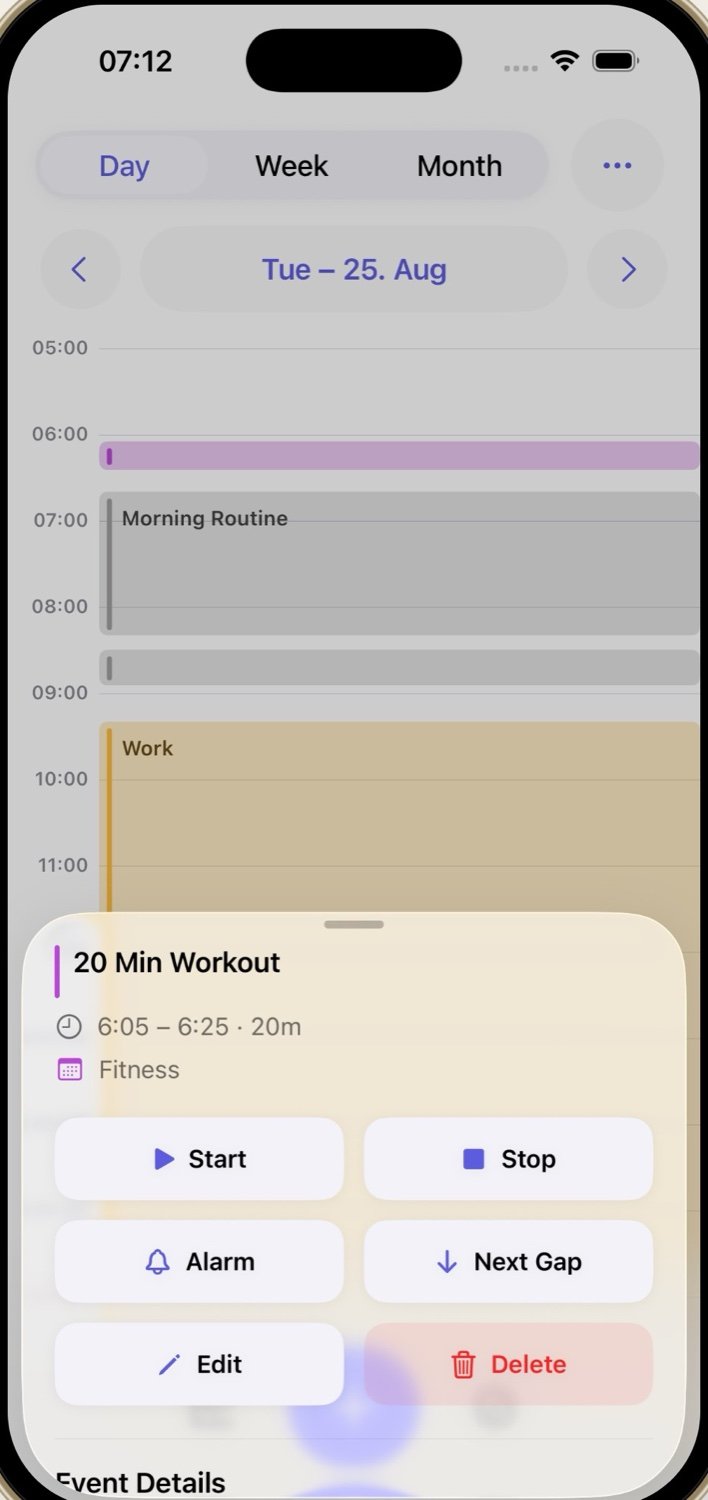
Track time and move events to the next gap
Start or stop time tracking from an event. “Next Gap” moves the event to the next available time slot that fits its duration.
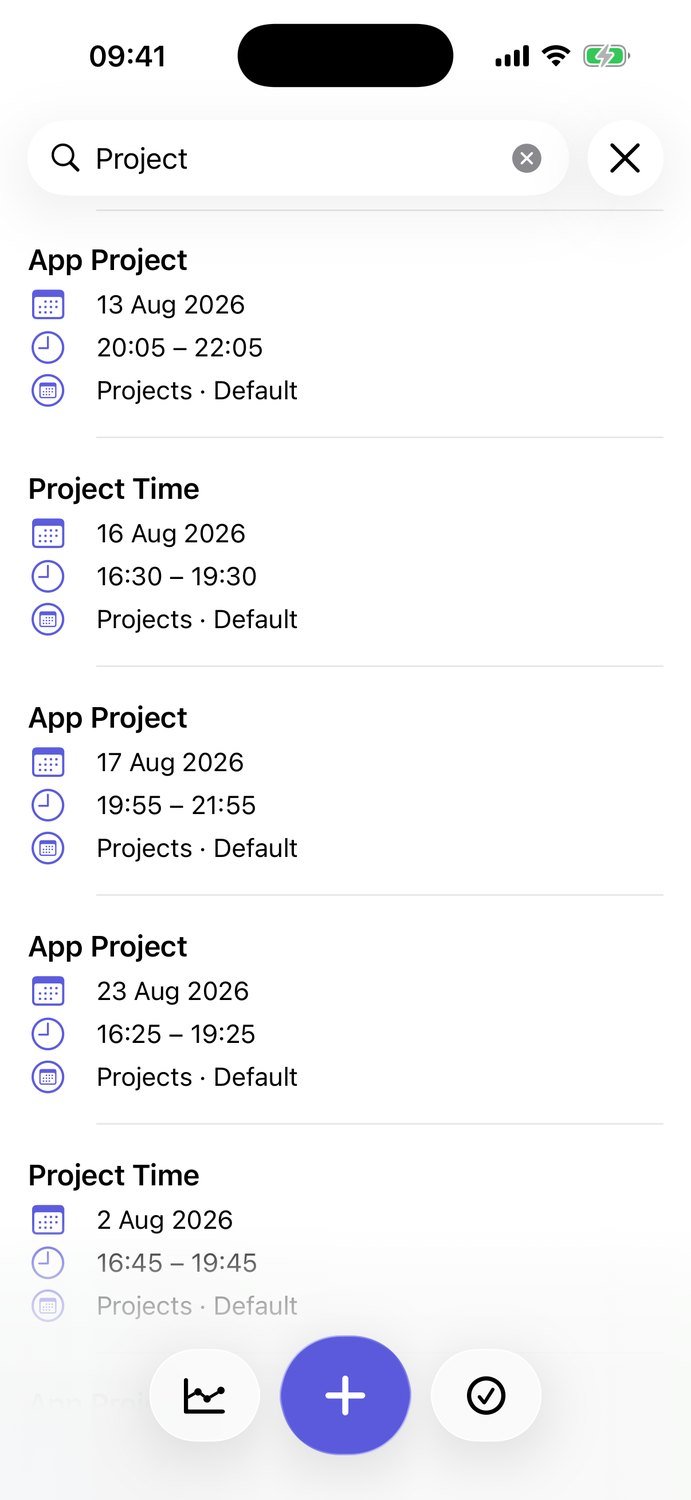
Search events across your calendars
Find events across your selected calendars. Results show the title, date and calendar so you can open the right event quickly.
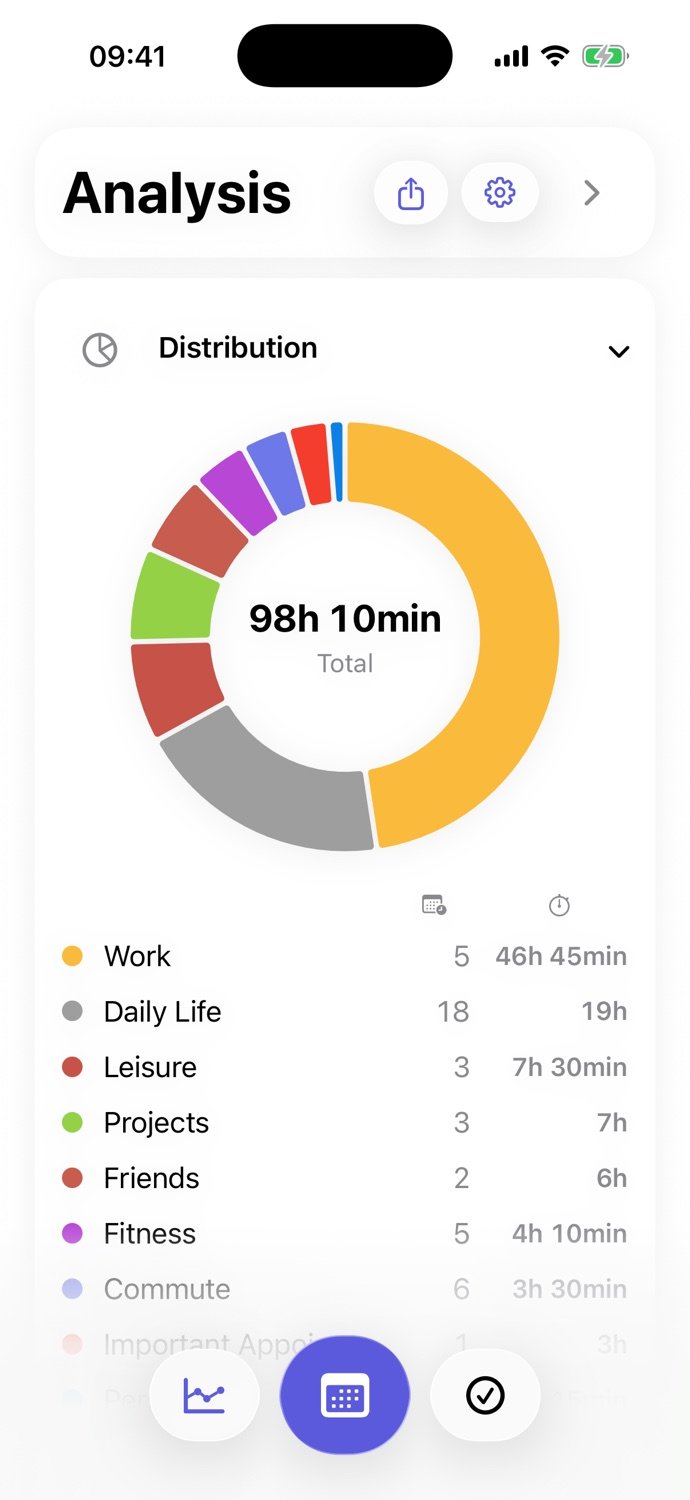
Review how your time is distributed
See recorded calendar time by area and selected date range. The analysis uses the calendar events you selected for review.
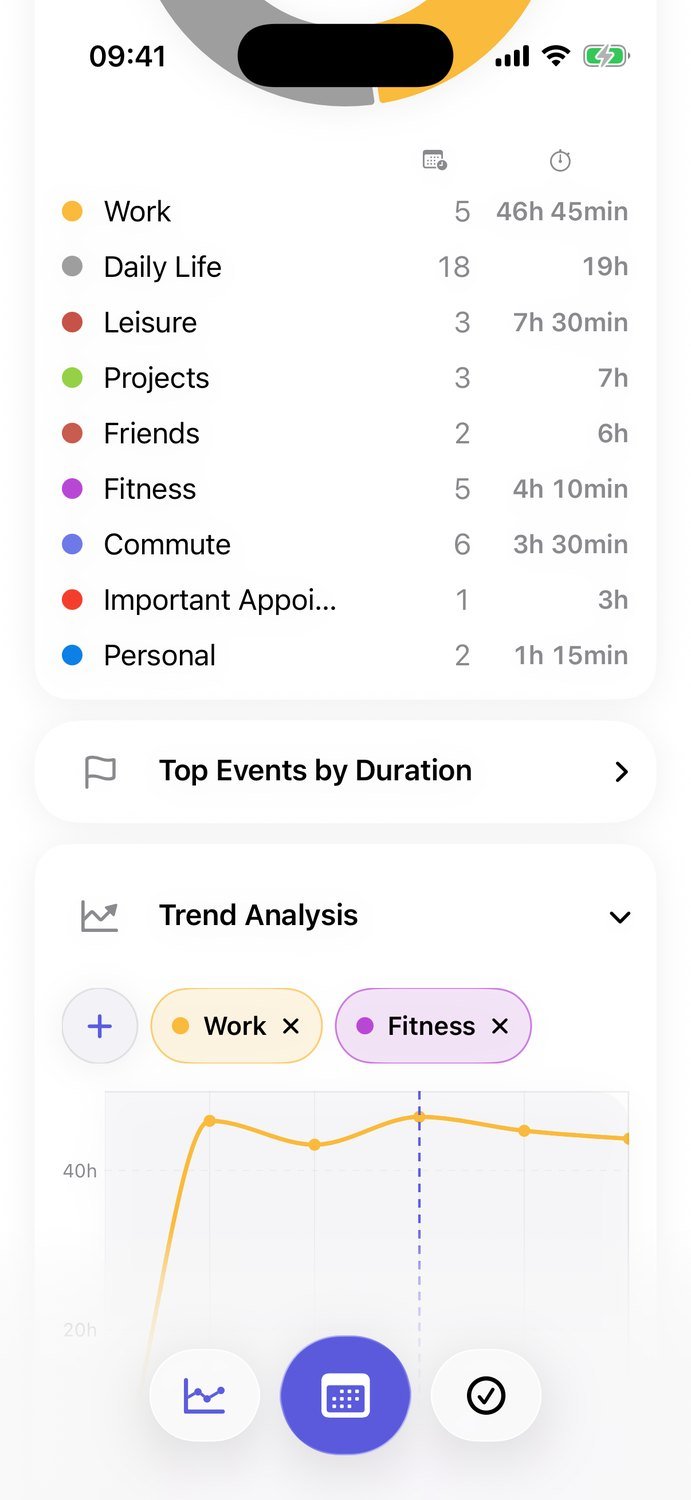
Spot changes in your time trends
Compare time trends across weeks and calendar selections to see how recurring patterns change alongside your plans.
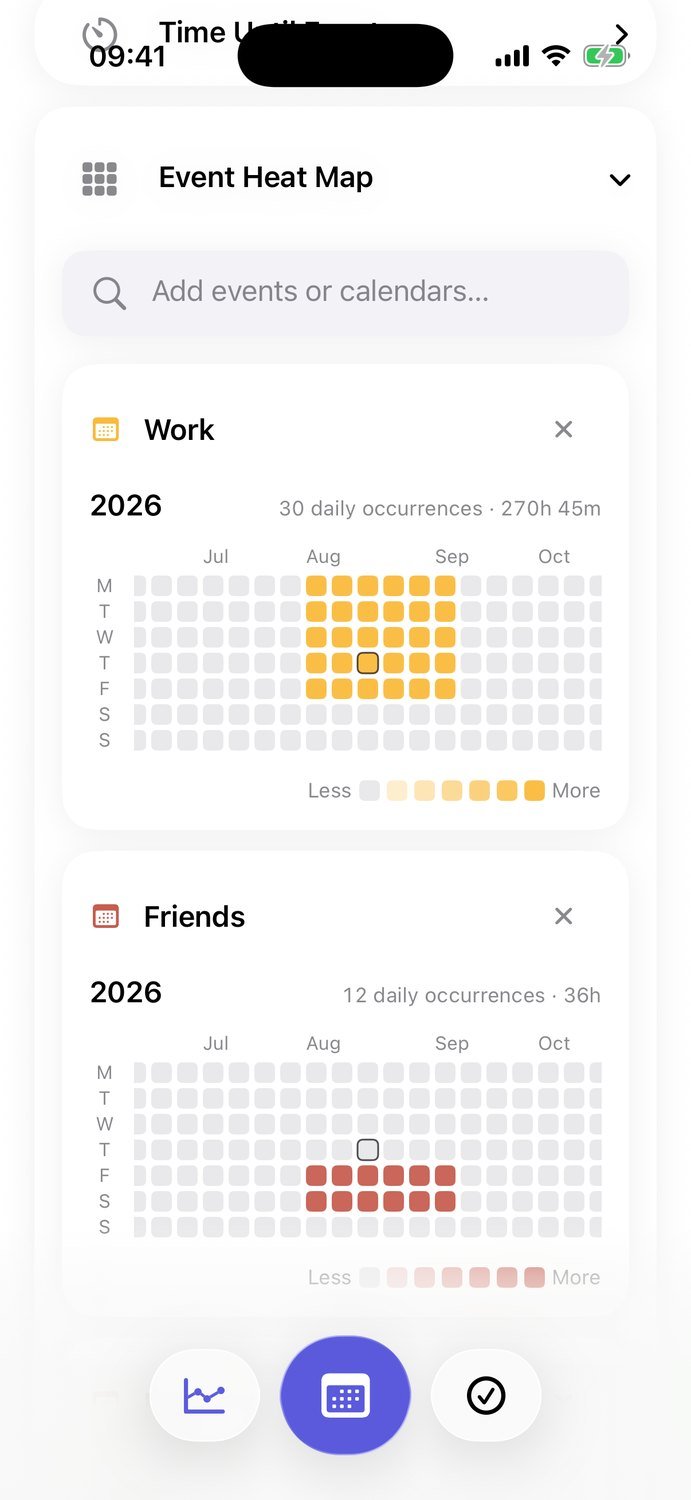
See activity patterns in a heatmap
The event heatmap shows which days and times contain more events across the calendars you selected.
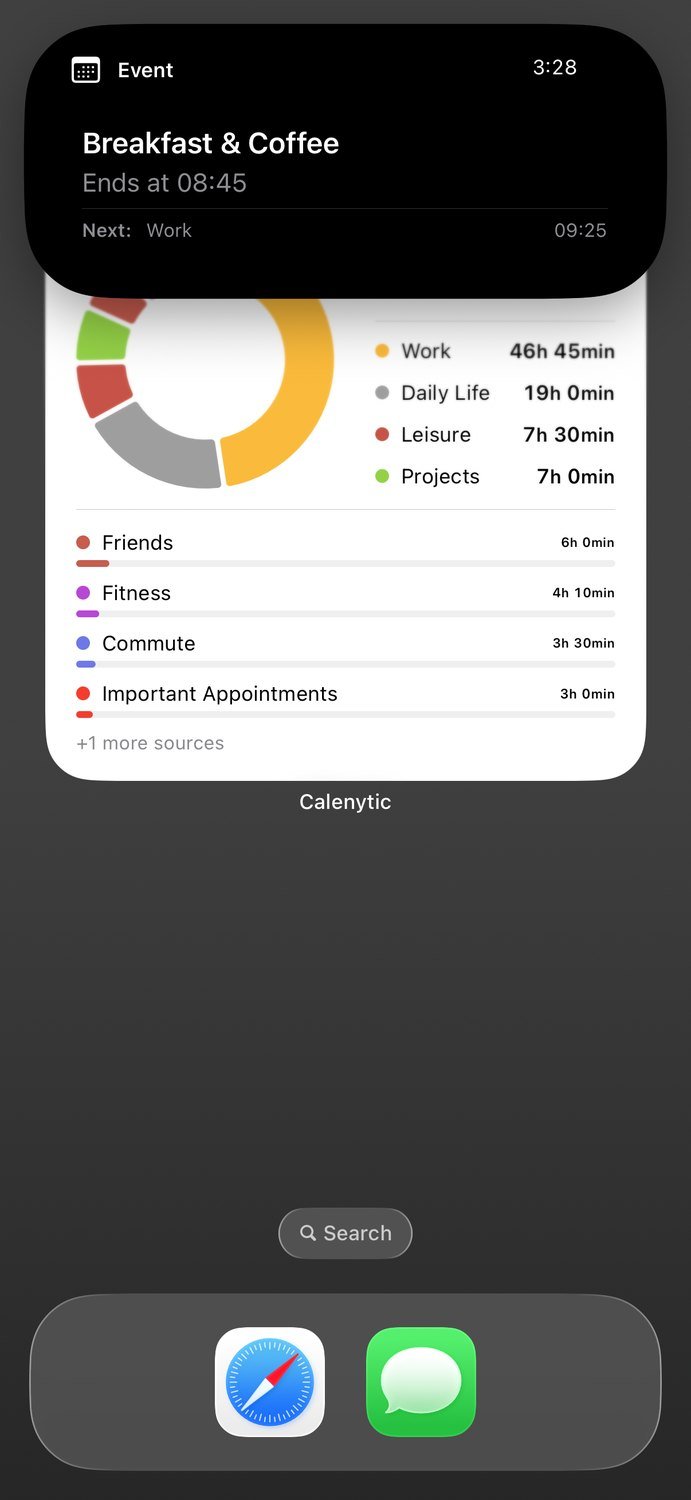
Keep active sessions in view on iPhone
An active session can appear as a Live Activity on iPhone. Its presentation depends on your iOS version and device settings.
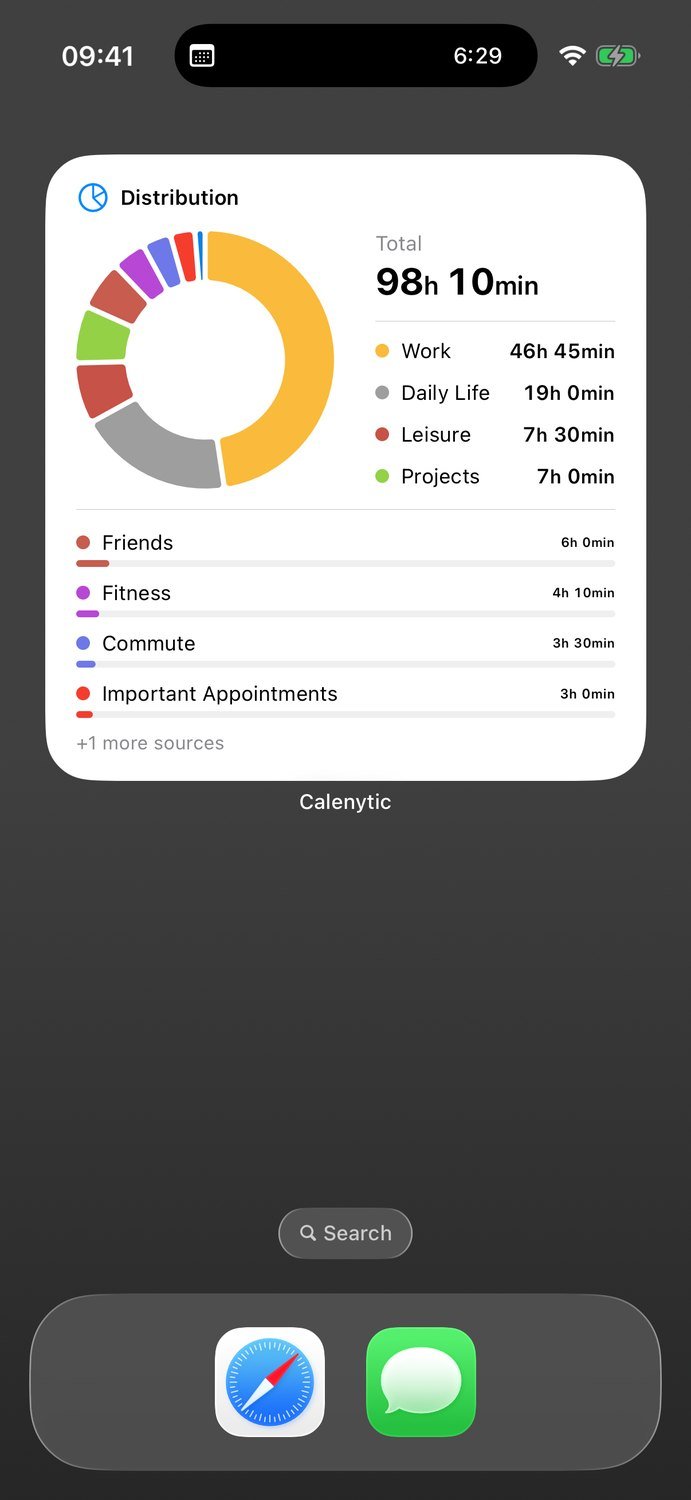
See time analytics in an iPhone widget
An iPhone widget shows a selected time analysis on your Home Screen. The information shown depends on the widget type and size.
For your everyday life. Beyond work.
Studying
Plan classes and study blocks. Track the time a subject actually takes.
Work & personal projects
Bring meetings, focused work and your own ideas together in one week.
Friends, exercise & rest
Plan the things that rarely send you an invitation. Look back and see whether you made room for them.